
Affordable, Simple Salesforce Backup
Yes, you have the Salesforce Recycle Bin.
Yes, you can export data.
But when someone mass updates 50,000 records incorrectly… or a Flow wipes out key data… manual exports won’t save you. A Data Integration goes rogue and updates the wrong records, or worse – deletes them! What if it takes a week or two to discover the mistake?
Salesforce is not going to save you there. You do understand the “shared responsibility” – right??
They generally take good care of your data and prevent external threats from harming your data – but it’s your responsibility to protect it from internal threats, whether they be users, admins, or developers.
That’s why I recommend taking a look at DBSaver.
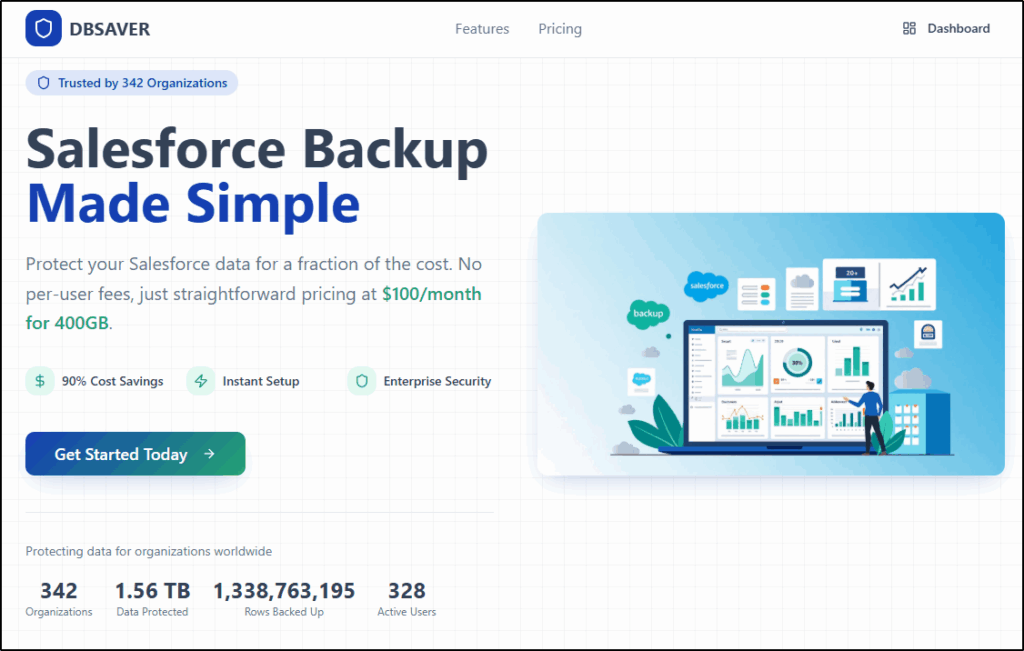
It’s simple and easy to configure a backup, so if things do go wrong, you can identify the problem and restore your data to before the incident with the minimum of hassle and stress.
The web interface is intuitive and easy to configure. Just create a data store, connect your org(s), and create a backup job. From start to finish, we’re talking 2-3 minutes, and your first backup is scheduled.
You can configure it to run your backup hourly, daily, or weekly.
Want to run a one-off Manual backup? Yes, you can do that too!
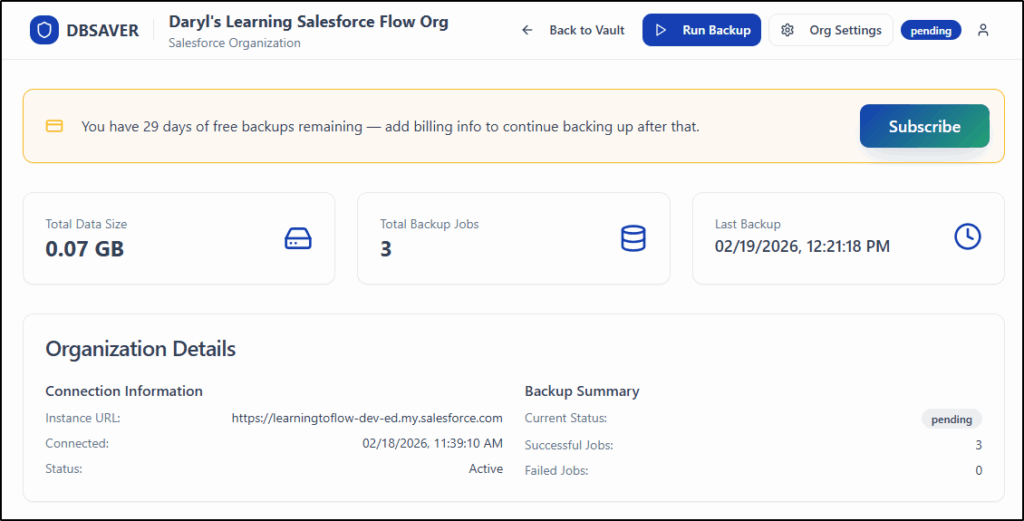
Here’s why DBSaver stands out:
- Simple setup. No complex installation.
- Affordable pricing model – up to 90% cost saving compared to competitors.
- Your first backup is configured in minutes.
- Automated backups of your Salesforce data. Set and forget.
- Built by Salesforce consultants who understand real-world admin pain.
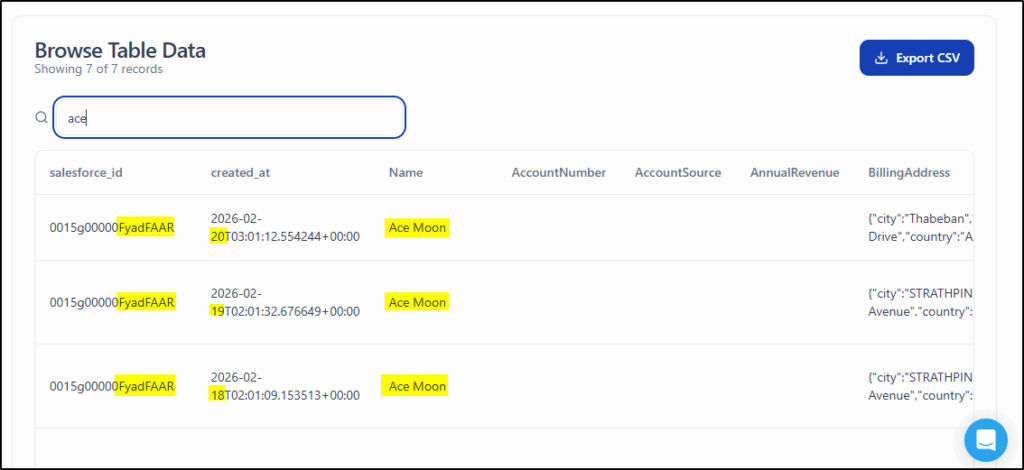
- Searchable backup interface to quickly find what you need to restore.
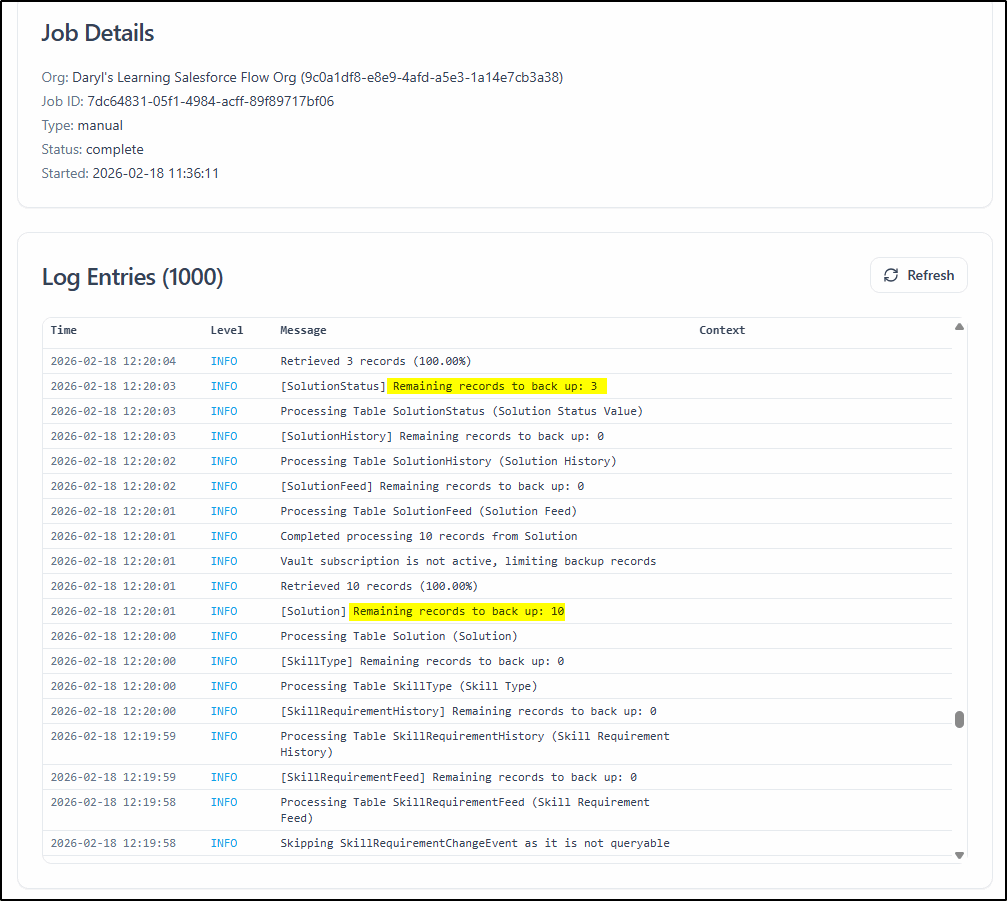
- Detailed logs show exactly what was backed up in each backup job.
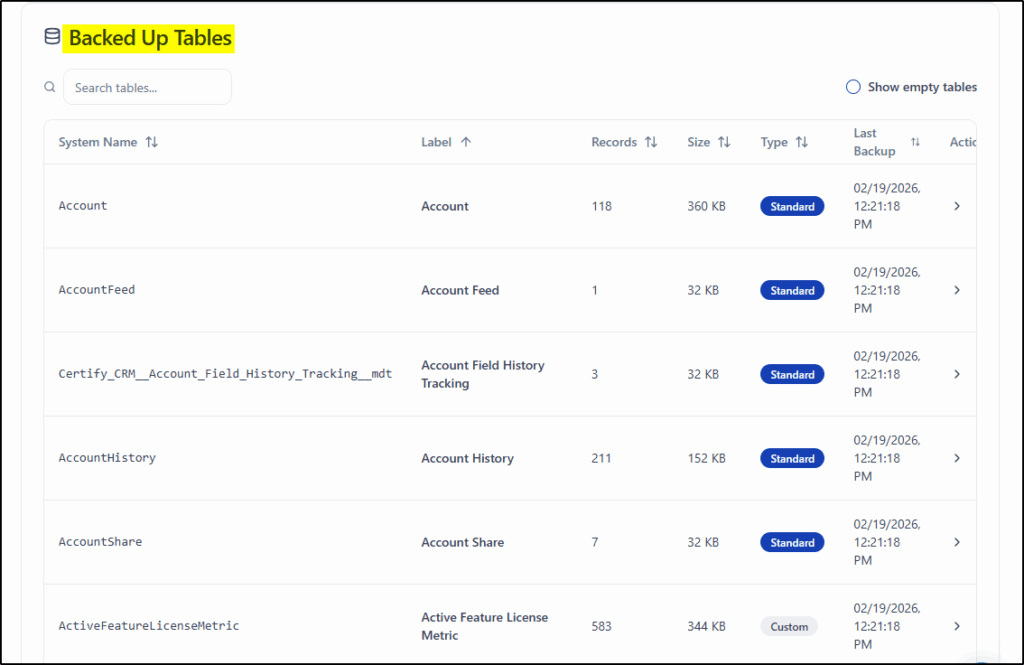
For most small to mid-sized companies, you don’t need a heavyweight enterprise compliance platform. You need something that quietly runs in the background and gives you confidence when things go wrong.
Easily search the table you want and select the records to restore.
DBSaver is practical, cost-effective, and admin-friendly.
If you’re responsible for data integrity in your org, take a look here: dbsaver.com
Simple Pricing
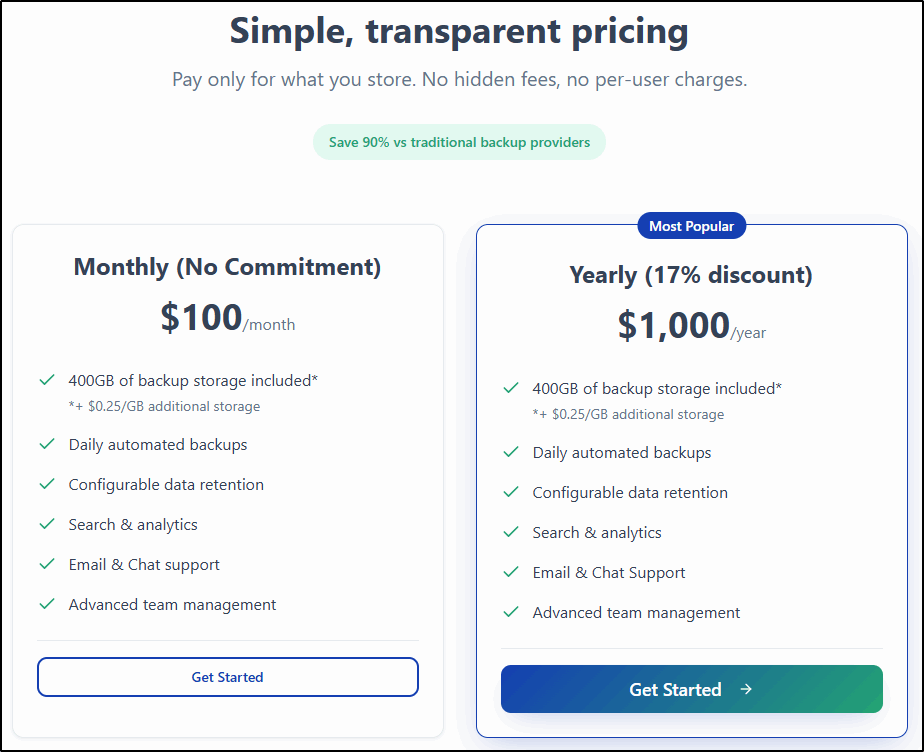
The pricing is not user-based, so you are not penalised for having more users, just a simple flat rate with a 17% discount for an annual payment.
This can help you save over 90% compared to other backup products.
Need more than 400GB of data, it’s just 25c per GB.
If you want a Salesforce backup solution that is:
- Affordable
- Simple
- Safe
- Secure
Sign up in under a minute at dbsaver.com and start safeguarding your Salesforce data today.
Detailed Backup Logs
Detailed logs show exactly what was backed up in each job, giving you complete confidence that your backups are working as intended.
Need custom data retention policies or other enterprise features? Contact the Sales Team.
Here’s the best part – it’s not a new product but some polish and a new front end added to a tool that CloudAnswers has been using with their clients for over 10 years!
DBSaver: Simple. Dependable. Affordable. Backup solution for Salesforce.
(sponsored post)