
Still gambling on Deployment Day?
Deployment issues, missed deadlines, changes missing, Git conflicts, CI/CD complexity, and failed tests.
… sound familiar?
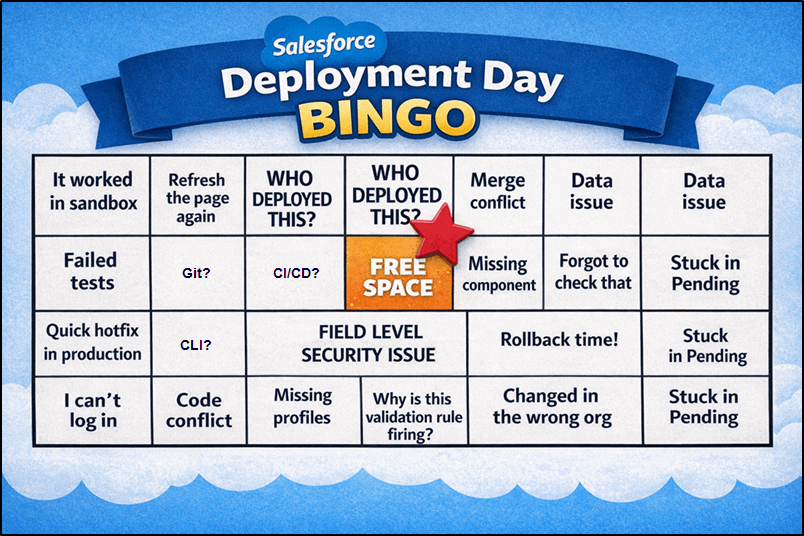
Complexity
Most Salesforce DevOps tools require Git expertise, CLI commands, and complex CI/CD pipelines.
What if you could hide all this complexity and concentrate on shipping great features instead?
Stop fighting with Git!

Serpent helps your team deploy faster without becoming DevOps specialists.
- One-click deployments and automated pipelines
- No scripts, CLI, or manual packaging
- Git is handled behind the scenes
- Faster release cycles (up to 6× faster)
Salesforce DevOps shouldn’t feel like launching a rocket.
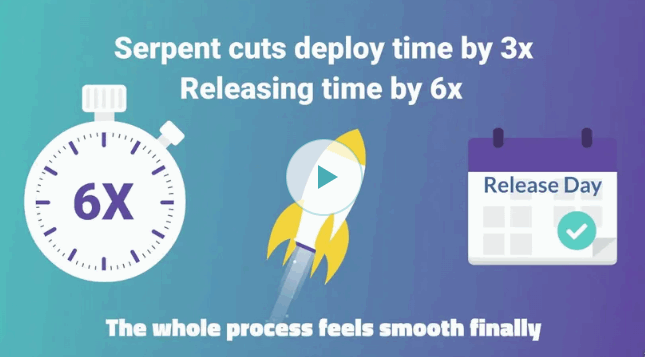
5 Simple Steps to Deployment
Deploying with Serpent is easy and free from the complexities of other deployment tools.
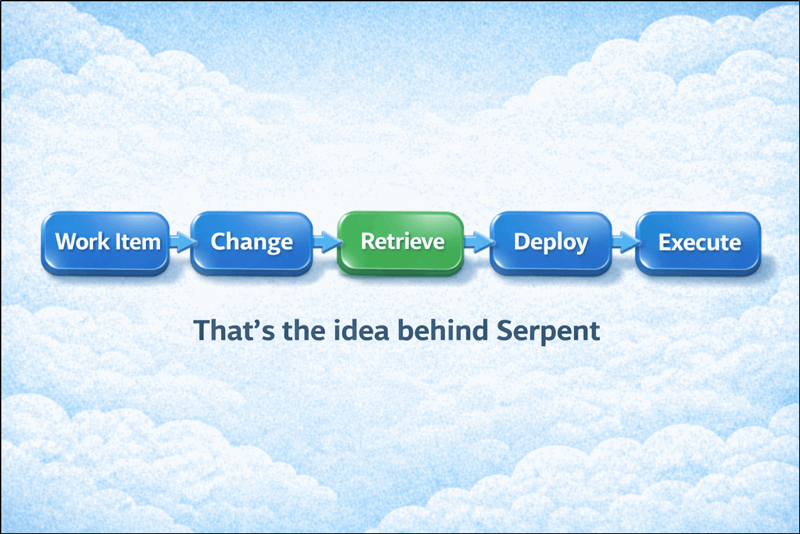
Here is a typical deployment cycle in just 5 simple steps:
Step 1 – Create a Work Item
Create a Work Item – this can refer to a Jira ticket, Bug Report, or User Story.
Choose between Feature, Task, or Bug.
Select the source to retrieve the existing metadata. (e.g., a recently refreshed dev sandbox)
Choose the default org to log in to and build the changes, or use a scratch org.
Assign to one of your team members.
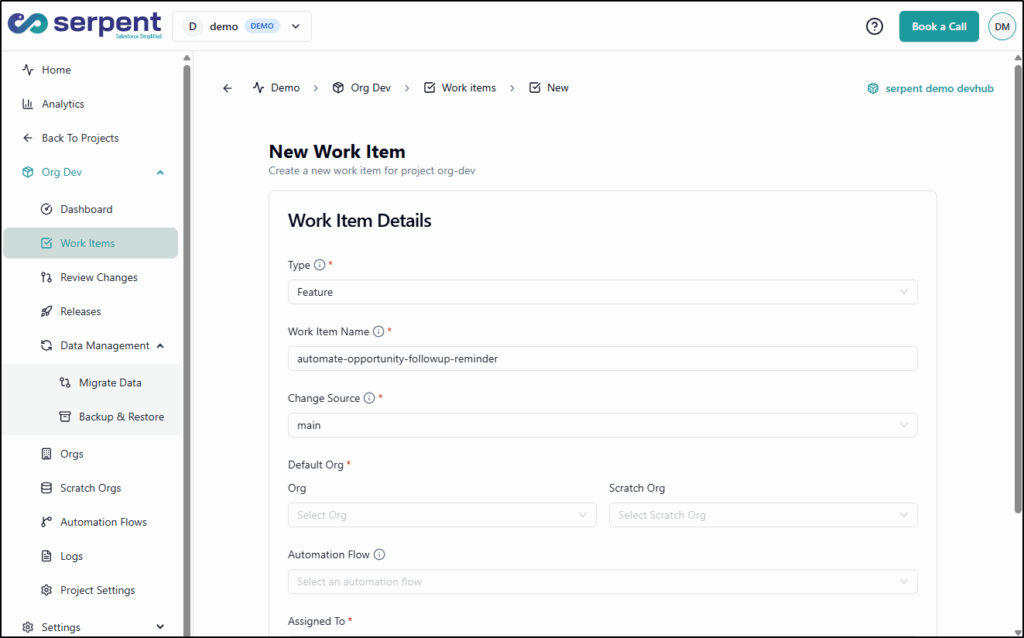
Step 2 – Make your Changes
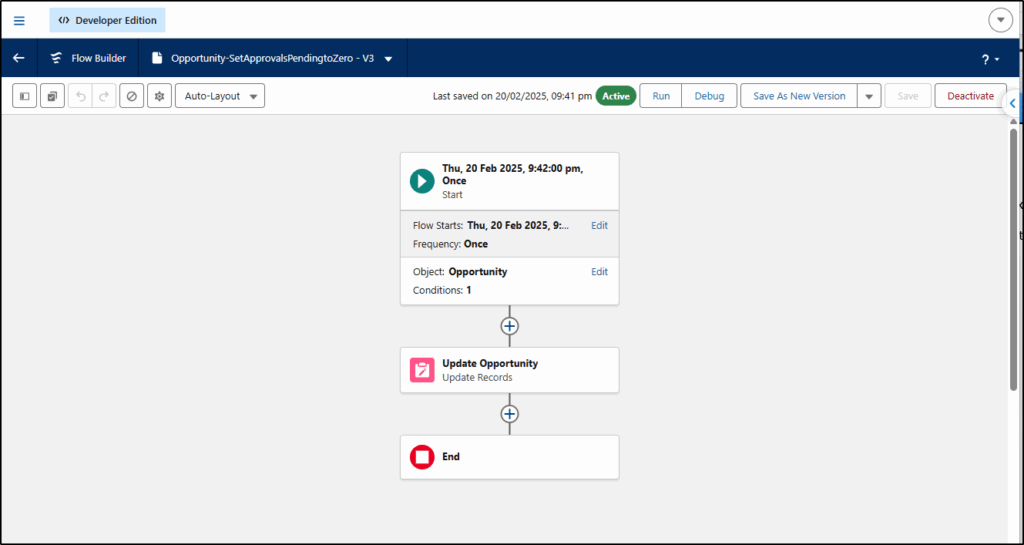
Log in to the org where you want to make changes (e.g., a dev sandbox) and make all the changes required to deliver this work item.
Here we are building a flow.
Step 3 – Retrieve changes
In the retrieve step, we retrieve all changes made in the selected org. There may be other changes in this org from other developers or work items; we just choose the ones we want.
Alternatively, instead of manually selecting components, Serpent AI can help identify what changes belong to your work item:
- Ask Serpent AI to explain what changed
- Automatically suggest the relevant metadata
- Avoid pulling unrelated changes into your deployment
This saves hours of manual selection and reduces the risk of deploying the wrong changes.
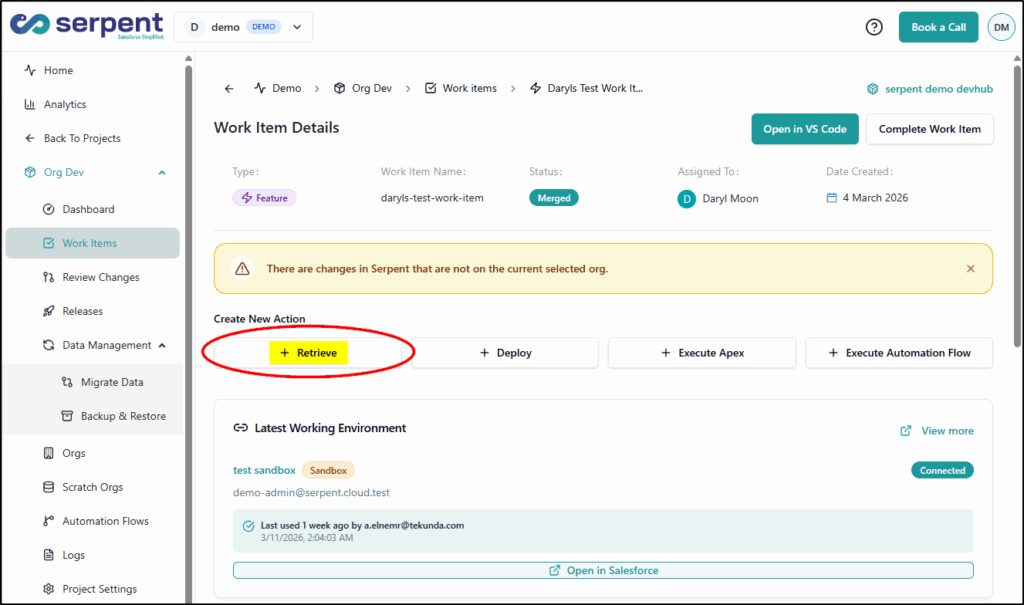
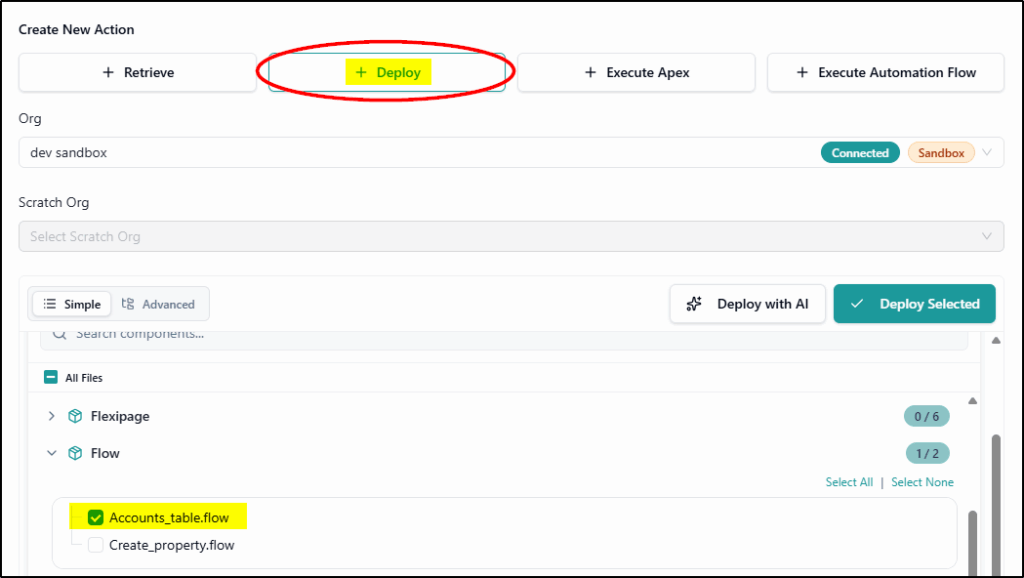
Step 4 – Deploy changes
Now we are ready to deploy these changes to the next org.
This could be for UAT, QA, or Production orgs.
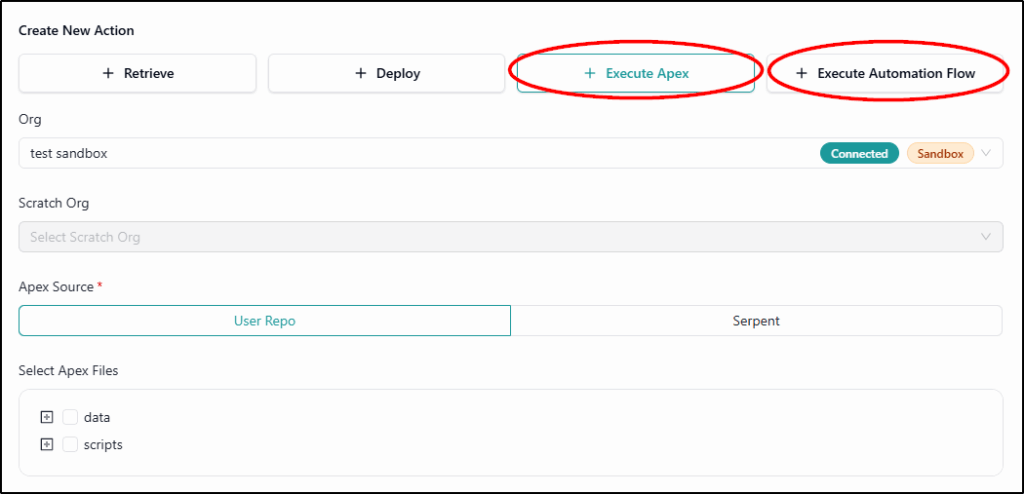
Step 5 – Execute Apex / Automation Flow
After the deployment has run, we can automate running Apex code for scripts, data fixes, or automations.
We can also automate running flows for testing, validation, and deployment workflows.
It really is that simple!
Predictability and Confidence
Serpent focuses heavily on removing deployment anxiety, delivering predictable releases, visibility, and rollback safety.
- Full task history and deployment logs
- Pre-deployment validation and testing
- Audit trails and dependency detection
- Rollback capability to fix failures quickly
Giving you the confidence to:
- Release without surprises
- Know exactly what is going to production
- Deploy with confidence
DevOps for the entire Team
Traditional DevOps tools are developer-centric. Serpent emphasizes collaboration across admins, developers, testers, and release managers.
- Task-based workflow is aligned with user stories
- Shared context across teams
- Visual workflows instead of scripts
- Collaboration without needing Git knowledge
Inclusive design:
- Admins, developers, and testers in one workflow
- DevOps that mirrors how Salesforce teams actually work
- Everyone contributes to releases

Modern Salesforce DevOps for Scaling Teams
Serpent is the ideal next-generation DevOps tool for consultancies, ISVs, and growing Salesforce teams.
- Supports multi-org environments and scratch orgs
- Designed for consultancies and ISVs managing multiple clients
- Usage-based pricing instead of per-user licensing
Key Features:
- Built for modern Salesforce teams
- Scale deployments without scaling complexity
- Affordable DevOps for growing teams

You want AI with that?
Yes, of course – we have Serpent AI to help you with the deployment.
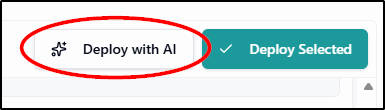
You may have spotted the Deploy with AI button in step 4 (above)
Describe your intent in plain English
Just type in plain English “Deploy the new flow to QA” and the AI automatically gathers the right files, prepares the deployment, and asks for your approval before proceeding.
Important Safeguard
Human-in-the-loop approval is required before execution. Once approved, Serpent AI executes and records logs, status, and artifacts for full auditability and traceability.
The system will never push changes behind your back.
The AI prepares the work, pauses, and asks for your approval.
You get all the speed of automation while keeping 100% control over what actually goes live.
Vibe Code with Any AI Assistant via MCP
If you are already using an external AI assistant or Agentic IDE, Serpent exposes its platform tools via a native MCP server (Model Context Protocol) that plugs it directly into your environment.
We use this feature to connect Serpent to Claude.
Visit Serpent and see how easy Salesforce deployment is https://tekunda.com/serpent